Ghost Driver Update Watch: How to Track New Cars and Codes
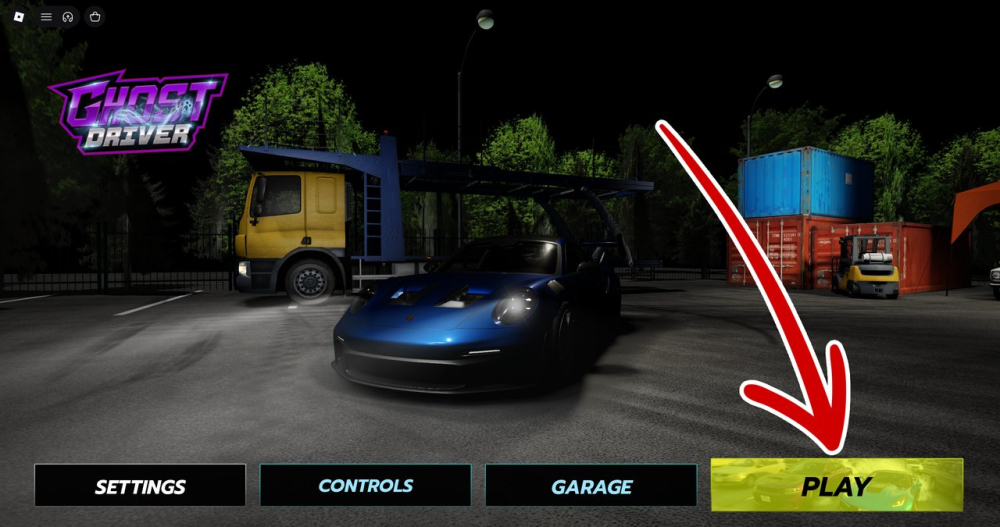
Track Ghost Driver updates more reliably with a simple checklist for new cars, balance changes, UI changes, and milestone codes.
Ghost Driver updates can affect the two things players search for most: cars and codes. Instead of relying on a single headline or an old screenshot, use this checklist whenever a new build appears.
## Check the in-game dealership
Look for new vehicles, changed prices, altered descriptions, and updated performance information. Capture the exact name shown in the current client. This avoids copying a car name from a previous build.
## Recheck the Shop flow
Open Shop and confirm where Rewards/Codes is located. If the tab or input box has moved, update your personal routine before starting a Cash run.
## Test codes once
Paste each newly announced code directly into the in-game field. Record the reward and the date it worked. Do not repeatedly submit a failed code or trust a list that gives no checked date.
## Watch for milestone language
Codes such as THANKSFOR250K and THANKSFOR1MIL appear tied to community milestones. Milestone codes can be generous but may be temporary. Redeem them early and do not treat a milestone number as proof that the code is still active.
## Separate confirmed changes from rumors
A preview image, a fan-made wiki entry, and a confirmed patch note are not the same thing. Use words such as reported, visible in the current build, or awaiting confirmation until you can verify the change in game.
## Keep a personal changelog
Write down the check date, code status, car name, price, and any UI change. This small habit makes it easier to distinguish a real update from recycled SEO content.
Ghost Driver's early-development pace is part of its appeal. A careful update routine helps players spend Cash wisely and keeps guides useful after the next patch.
Sources / Image credit: Image: https://oyster.ignimgs.com/mediawiki/apis.ign.com/ghost-driver-roblox/2/25/Ghost_Driver_Codes_%281%29.png Image credit: IGN Ghost Driver guide screenshot Source: https://www.ign.com/wikis/ghost-driver-roblox/Ghost_Driver_Codes_(August_2026) Source: https://progameguides.com/roblox/ghost-driver-codes/
📚 Related Guides
Ghost Driver Player Stats: How to Read Visits, Favorites, and Online Counts
Learn how to interpret Ghost Driver player counts, visits, favorites, and approval ratings without confusing a live snapshot with long-term popularity.
Ghost Driver vs Shutoko-Style Highway Driving: What Is Similar and Different
How Ghost Driver compares with the Shutoko-style highway driving experience, including traffic flow, risk, multiplayer pressure, and Roblox accessibility.
Ghost Driver FAQ: Codes, Cash, Cars, and Common Problems
Answers to the most common Ghost Driver questions, including where to enter codes, how Cash works, why codes expire, and why car lists change.
Ghost Driver PRE-ALPHA Explained: What Players Should Expect
Ghost Driver is still in PRE-ALPHA. Here is what that means for codes, cars, balance changes, UI differences, and checking current information.
Ghost Driver 1v1 Highway Racing Guide: Lines, Timing, and Recovery
Prepare for Ghost Driver 1v1 highway races with advice on racing lines, traffic awareness, clean overtakes, and recovering from a bad start.
Ghost Driver Best Starter Upgrade: Handling vs Speed Explained
Should you buy speed or handling first in Ghost Driver? Use this practical upgrade guide to match Cash spending with your actual driving weakness.