Ghost Driver FAQ: Codes, Cash, Cars, and Common Problems
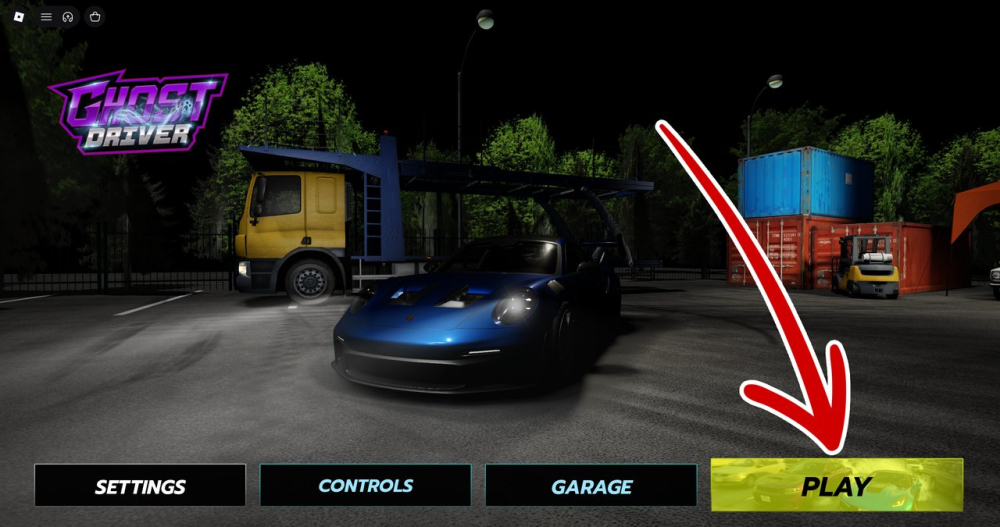
Answers to the most common Ghost Driver questions, including where to enter codes, how Cash works, why codes expire, and why car lists change.
This Ghost Driver FAQ collects the questions that come up most often for new Roblox players. Because the game is in PRE-ALPHA, always compare time-sensitive answers with the current client.
## What is Ghost Driver?
Ghost Driver is a Roblox highway driving experience by Tilted Vehicles. The core loop is driving through traffic, building score, earning Cash, and improving your garage.
## Where do I enter Ghost Driver codes?
Launch the experience, press Play, open Shop on the left, choose Rewards/Codes, and paste the code into the redemption field. Press Redeem inside the game.
## Which codes should I try first?
The latest cross-source check supports THANKSFOR250K and SINCEROWASHERE. Code status changes quickly, so use a page with a visible checked date and test the code in game.
## Why did a working code expire?
Codes are promotional rewards, not permanent game features. Developers can retire them after a milestone or update. An expired code does not mean your Roblox account is blocked.
## Is the fastest car always the best car?
No. Handling, acceleration, and stability matter when traffic is dense. A vehicle that produces longer clean runs can earn more Cash than a faster car that crashes frequently.
## Why do car lists disagree?
Ghost Driver is still changing. Prices, names, and unlock conditions may differ between versions or be inferred by third-party pages. Check the current dealership before making a purchase.
## What should I do if the game feels different?
Rejoin the experience, check for an update, and compare the interface with the current client. Save evidence of repeatable bugs, but expect balance changes in an early build.
For most players, the best routine is simple: redeem verified codes, buy control before speed, and learn the highway one decision at a time.
Sources / Image credit: Image: https://oyster.ignimgs.com/mediawiki/apis.ign.com/ghost-driver-roblox/2/25/Ghost_Driver_Codes_%281%29.png Image credit: IGN Ghost Driver guide screenshot Source: https://www.ign.com/wikis/ghost-driver-roblox/Ghost_Driver_Codes_(August_2026) Source: https://progameguides.com/roblox/ghost-driver-codes/
📚 Related Guides
Ghost Driver Player Stats: How to Read Visits, Favorites, and Online Counts
Learn how to interpret Ghost Driver player counts, visits, favorites, and approval ratings without confusing a live snapshot with long-term popularity.
Ghost Driver vs Shutoko-Style Highway Driving: What Is Similar and Different
How Ghost Driver compares with the Shutoko-style highway driving experience, including traffic flow, risk, multiplayer pressure, and Roblox accessibility.
Ghost Driver Update Watch: How to Track New Cars and Codes
Track Ghost Driver updates more reliably with a simple checklist for new cars, balance changes, UI changes, and milestone codes.
Ghost Driver PRE-ALPHA Explained: What Players Should Expect
Ghost Driver is still in PRE-ALPHA. Here is what that means for codes, cars, balance changes, UI differences, and checking current information.
Ghost Driver 1v1 Highway Racing Guide: Lines, Timing, and Recovery
Prepare for Ghost Driver 1v1 highway races with advice on racing lines, traffic awareness, clean overtakes, and recovering from a bad start.
Ghost Driver Best Starter Upgrade: Handling vs Speed Explained
Should you buy speed or handling first in Ghost Driver? Use this practical upgrade guide to match Cash spending with your actual driving weakness.